777det App Download — The best gaming experience on Android and iOS, right in your hands!
Play 777det anytime, anywhere. Our app is fast, lightweight, and fully localized. Install it once and you'll notice the difference right away.

Play 777det anytime, anywhere. Our app is fast, lightweight, and fully localized. Install it once and you'll notice the difference right away.
Android, iOS, or your browser — 777det is ready for you on every platform
Download the APK file directly — no Google Play needed. Compatible with all devices running Android 5.0 or higher. Once installed, just log in and start playing.
Works seamlessly on iPhone and iPad. Full support for all Apple devices running iOS 12 or later. Graphics look strikingly sharp on Retina displays.
No app needed — play directly in Chrome, Firefox, or Safari. Full mobile experience, nothing missed.
To install the APK on Android, go to Settings and enable "Unknown Sources" or "Install Unknown Apps" option must be enabled. This is completely safe — the 777det APK is official and virus-free. You can turn this option off again after installation.

Done in Just Five Minutes
Tap the download button above or scan the QR code. The APK file will begin downloading.
Go to your phone's Settings > Security or Apps and enable "Install Unknown Apps".
Open the downloaded APK file from your notification bar or Files app. Tap the "Install" button.
Once installed, open the app, log in or create a new account. Let the games begin!
Open the 777det download page in Safari on your iPhone or iPad.
Tap the iOS download button or scan the QR code. An install prompt will appear in Safari.
Go to Settings > General > VPN & Device Management and trust the 777det profile.
The 777det icon will appear on your home screen. Tap it to open the app, log in, and start playing.
The 777det mobile app is more than just a mobile version of the website. It comes with exclusive features available only to app users.
Get instant push notifications straight to your phone before a bonus expires, when a special offer drops, or when a live event kicks off.
Log in in seconds with your fingerprint or Face ID. No more typing passwords.
A weak connection won't crash the app. It will automatically resume once the connection is restored.
The app's caching system loads games much faster than a browser. No more waiting around.
The app automatically switches themes to match your phone's dark mode setting. Easier on the eyes at night.
When new games or features are added, the app will automatically notify you of an update. Always stay on the latest version.

Check at a glance whether your device is compatible
| Category | Android | iOS | Mobile Browser |
|---|---|---|---|
| Minimum OS | Android 5.0 | IOS 12.0 | Any Modern |
| RAM | 2 GB or More | 1 GB or More | 1 GB or More |
| Storage | 35 MB Free | 40 MB Free | Not Required |
| Internet | 3G/4G/WiFi | 3G/4G/WiFi | 3G/4G/WiFi |
| Supported Devices | All Android Phones/Tablets | IPhone 6s+, iPad | All Smartphones |
| How to Update | Directly from the app | App Store | Automatic |
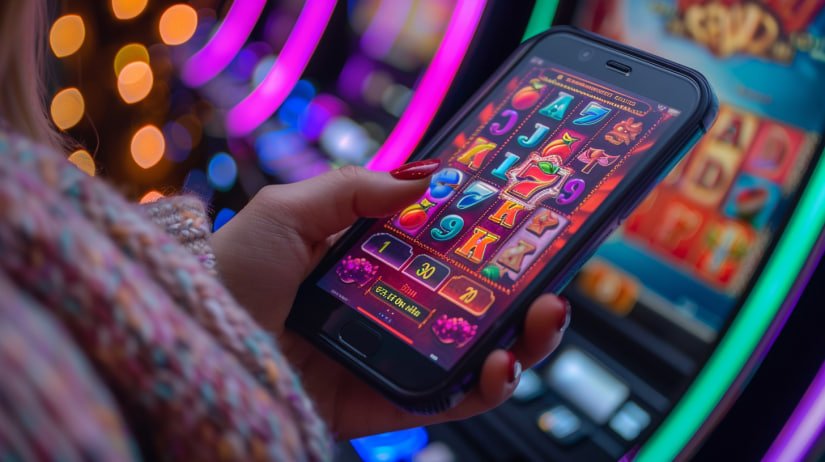
A Quick Look at the Differences
For regular players App Download is the best choice. If you only play occasionally, the browser works just fine.
Register and PlayCommon questions people ask during installation